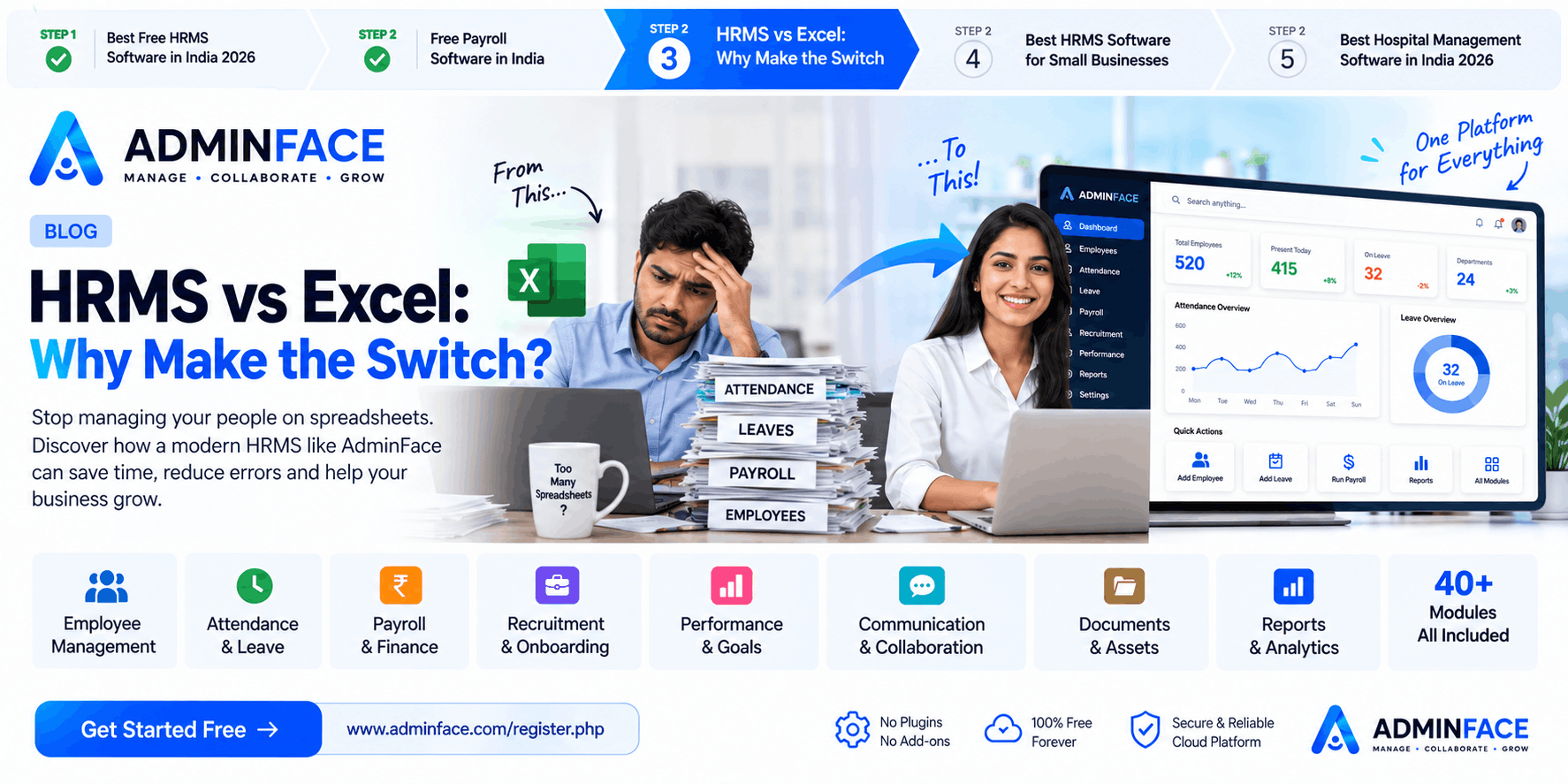
For many businesses, Excel is where employee management begins.
Employee lists, attendance, leave records, salary calculations, expenses and reports may all start as spreadsheets. But as the organization grows, managing everything manually becomes difficult.
More employees mean more spreadsheets, more formulas, more updates and more chances for errors.
That's where an HRMS (Human Resource Management System) can make a major difference.
Instead of managing different HR activities across multiple Excel files, businesses can bring them together in one platform.
Excel Is Useful — But Is It Enough for HR?
Excel is excellent for creating tables, calculations and basic records.
But HR management involves much more than storing information.
You may need to manage:
- Employee information
- Attendance
- Leave requests
- Payroll
- Departments
- Teams
- Documents
- Expenses
- Recruitment
- Performance
- Tasks
- Reports
- Communication
When these activities are handled manually, HR teams often spend valuable time updating spreadsheets instead of focusing on employees and business operations.
HRMS vs Excel: What's the Difference?
| HR ActivityExcelHRMS | ||
| Employee Records | Manual | Centralized |
| Attendance | Manual entry | Integrated management |
| Leave Management | Sheets & messages | Structured workflow |
| Payroll | Formulas & manual work | Automated payroll |
| Reports | Manual preparation | Ready reports & dashboards |
| Employee Documents | Separate folders | Centralized management |
| Tasks | Separate tracking | Built-in task management |
| Communication | Multiple channels | Centralized communication |
| Access Control | Limited | Multiple user roles |
| Data Updates | Manual | Centralized updates |
The biggest difference is centralization.
With an HRMS, your organization's HR operations can work from one system instead of multiple disconnected spreadsheets.
1. Stop Managing Multiple Excel Files
Imagine maintaining separate files for:
Employees → Attendance → Leaves → Payroll → Expenses → Documents → Reports
Every update may require changing one or more spreadsheets.
With an HRMS, these functions can be connected within the same platform.
For example, attendance and leave information can become part of the broader employee and payroll workflow.
2. Reduce Manual HR Work
Manual data entry takes time.
HR teams shouldn't have to repeatedly enter the same employee information into different spreadsheets.
An HRMS provides a centralized employee management system where information can be organized and accessed according to user permissions.
This helps reduce repetitive administrative work.
3. Payroll Becomes Easier
Payroll is one of the areas where spreadsheet errors can become especially frustrating.
An HRMS can bring together information related to:
- Employees
- Attendance
- Leave
- Salary
- Expenses
- Advances
- Tax declarations
- Final settlement
With Auto Payroll, businesses can simplify their salary-processing workflow instead of depending entirely on manual calculations.
4. Attendance & Leave in One Place
Instead of collecting attendance from different sources and maintaining separate leave spreadsheets, businesses can manage attendance and leave through a centralized HR system.
Employees can have structured workflows for:
Clock In/Out → Attendance → Leave → WFH → Holidays → Comp-off
This makes it easier for HR and managers to keep track of employee availability.
5. Better Employee Management
An HRMS isn't only about payroll.
A complete HR platform can manage the employee lifecycle from joining to exit.
For example:
Onboarding → Employee Management → Attendance → Leave → Performance → Documents → Exit
This gives HR teams a more organized way to manage employees throughout their journey with the organization.
6. Reports Without Building Everything Manually
Creating HR reports in Excel can involve filtering data, applying formulas and preparing information repeatedly.
An HRMS can provide centralized reports and dashboards, helping managers get a clearer view of their organization.
Instead of spending hours preparing a report, HR teams can work from information already maintained in the system.
7. Multiple Teams, Branches & Organizations
As a business expands, employee management becomes more complicated.
You may have:
- Departments
- Teams
- Branches
- Regions
- Business Units
- Sub Organizations
A structured HRMS can help organize employees according to the organization's structure.
Why Businesses Are Moving From Excel to HRMS
The goal isn't necessarily to eliminate Excel completely.
Excel will always be useful for many business tasks.
The problem starts when Excel becomes the entire HR system.
An HRMS provides workflows, centralized records, access management, automation and reporting that are difficult to maintain efficiently through spreadsheets alone.
Excel is primarily a spreadsheet.
HRMS is an HR management system.
That difference becomes more important as your organization grows.
What If You Could Get 40+ Modules in One Platform?
This is where AdminFace comes in.
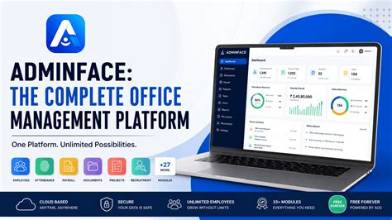
AdminFace brings HR and business management tools together in one platform with 40+ modules.
People
Employees, Departments, Teams, Branches, Regions, Onboarding, Org Chart and more.
Time & Leave
Attendance, Clock In/Out, Leave, WFH, Holidays, Comp-off, Shift Management and Overtime.
Finance
Payroll, Expenses, Salary Advances, Tax Declarations, Benefits and FnF Settlement.
Work
Tasks, Projects, Performance, OKRs & Goals, Learning & Development and 360° Feedback.
Communication
Email, Bulk Email, WhatsApp Bulk Messaging, Chat, Notice Board, HR Helpdesk and Surveys.
Resources
Assets, Documents, Certificates and Letter Templates.
Analytics
Reports, Dashboards and GPS Live Tracking.
And more.
Excel or HRMS — Which One Should You Choose?
If you have a very small number of employees and only need simple calculations, Excel may be enough.
But when your organization starts dealing with attendance, leave, payroll, documents, departments, reports and employee workflows, an HRMS can save significant administrative effort.
The question isn't:
"Can Excel manage HR?"
It can.
The better question is:
"How much time do we want to spend managing HR manually?"