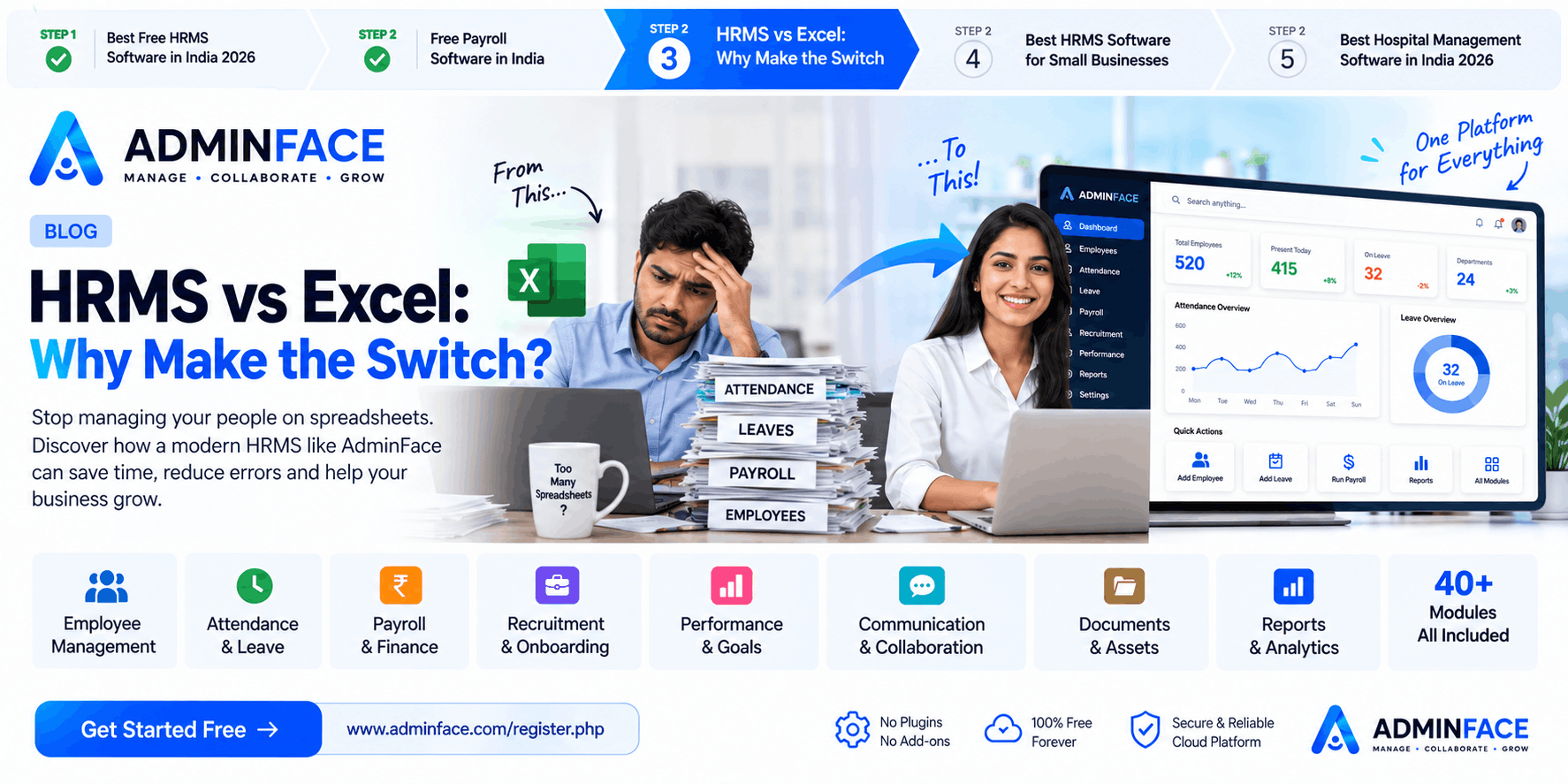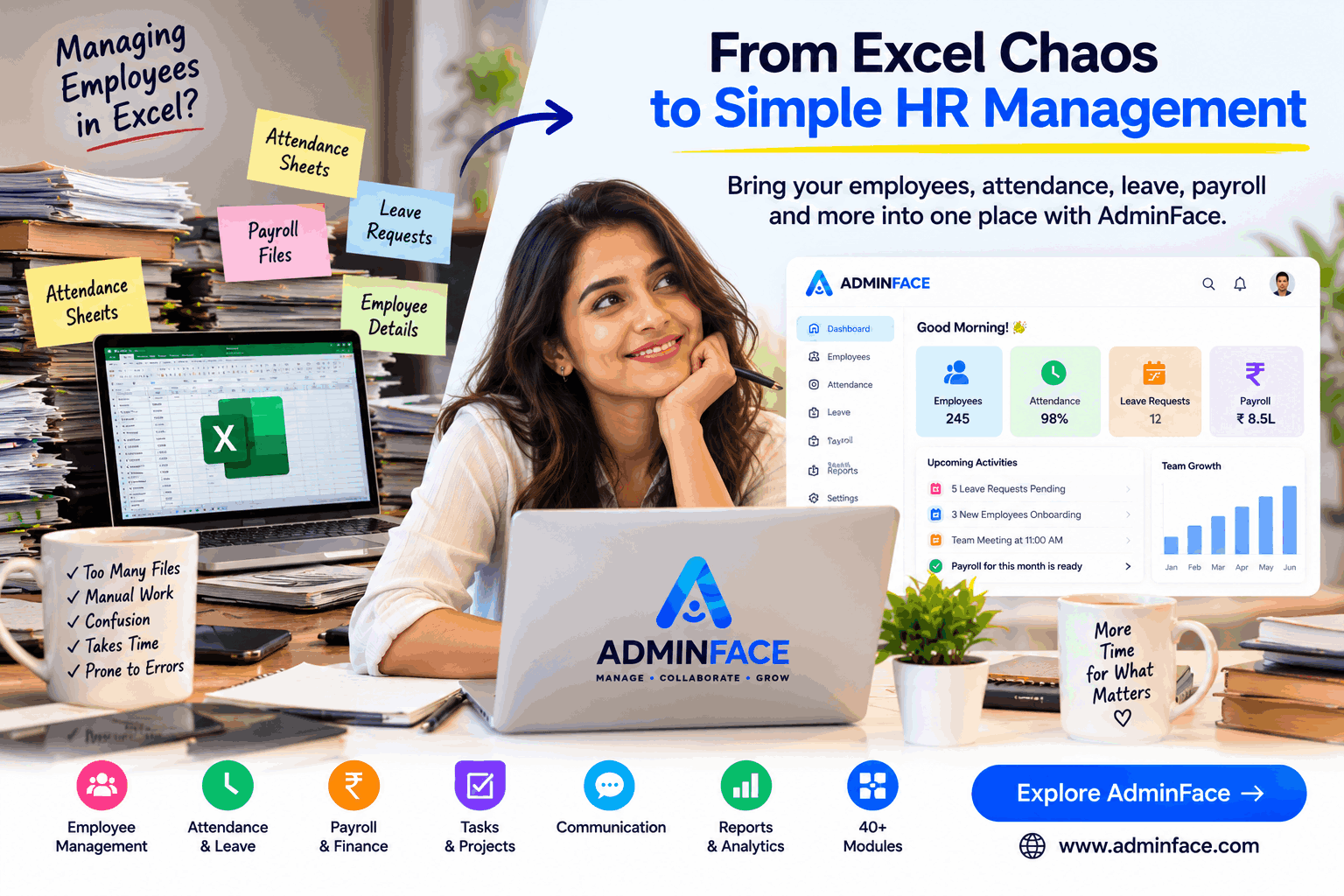
For a small team, it can be an easy way to maintain employee information, track attendance and prepare basic reports.
But something usually happens as the company grows.
The Excel file gets bigger.
Then another sheet is created for attendance.
Another one for leave.
Another for salary.
Then someone sends an updated file through email or WhatsApp.
Before long, HR is spending more time maintaining information than actually working with employees.
That is where an HRMS (Human Resource Management System) can make a difference.
Instead of maintaining separate files for different HR activities, an HRMS brings them together into a structured system.
When Does Excel Start Becoming Difficult for HR?
There isn't a specific employee count at which Excel suddenly stops working.
The problem usually appears when the number of people, processes and updates increases.
For example, imagine a company with 40 employees.
HR may need to maintain:
- Employee information
- Attendance
- Leave balances
- Work-from-home requests
- Salary information
- Documents
- Departments
- Designations
- Payroll records
- Reports
If these are maintained in multiple spreadsheets, keeping everything synchronized becomes increasingly difficult.
One employee's information might be updated in one file but not another.
That creates unnecessary manual work.
The Real Problem Isn't Excel
Excel itself isn't the problem.
The bigger issue is using a spreadsheet as the central system for processes that are constantly changing.
Consider attendance.
An employee clocks in.
Then takes leave.
Then works from home.
Then requests overtime.
Then payroll needs the relevant information.
If every step depends on someone manually updating spreadsheets, HR has to repeatedly collect, verify and update information.
An HRMS can connect these workflows.
What Changes After Moving to an HRMS?
The biggest difference is not simply having a new dashboard.
It is having one structured place for HR operations.
Instead of:
Employee File → Attendance File → Leave File → Payroll File → Reports
the workflow can become:
Employee → Attendance → Leave → Payroll → Reports
The information can be managed within the same organizational system.
1. Employee Information Becomes Centralized
Instead of searching through different files, HR can maintain employee information in one place.
Depending on the HRMS, this can include:
- Employee profile
- Department
- Team
- Branch
- Joining information
- Documents
- Family details
- Employment information
- Organization structure
This becomes particularly useful when employees move between teams or organizational units.
2. Attendance Becomes a Process, Not Just a Spreadsheet
Attendance is one of the areas where manual tracking can become repetitive.
An HRMS can support workflows such as:
Clock In / Out → Attendance → Leave → Overtime → Payroll
Depending on the system and configuration, businesses may also use biometric devices, shifts or other attendance mechanisms.
The objective is simple:
Reduce repeated data entry.
3. Leave Requests Can Move Out of WhatsApp
A common situation in smaller organizations is:
"Sir, I need leave tomorrow."
The request might arrive through WhatsApp, email or a conversation.
Then someone has to remember it and update the leave record.
With an HRMS, employees can submit leave requests through a defined workflow.
For example:
Employee submits request → Manager reviews → HR record updates
This gives everyone a clearer view of the request.
4. Payroll Can Use Organizational Data
Payroll often depends on information from several HR processes.
Attendance.
Leave.
Salary details.
Benefits.
Deductions.
Advances.
Expenses.
When these are maintained separately, payroll preparation can require significant manual checking.
An HRMS can bring relevant information into the payroll workflow.
This doesn't eliminate the need for proper payroll configuration and statutory compliance, but it can reduce repetitive administrative work.
5. New Employees Can Be Added to the System
Employee onboarding is another area where spreadsheets can become fragmented.
A structured HRMS can provide an onboarding workflow where HR can organize:
Employee Details → Documents → Organization Assignment → Onboarding → Employee Record
This gives the organization a consistent process for bringing new employees into the system.
6. Managers Can Participate in HR Processes
HR shouldn't have to handle every small employee request manually.
Depending on permissions, managers can participate in workflows such as:
- Leave approvals
- Attendance review
- Employee information
- Tasks
- Team management
- Performance activities
This can distribute routine HR activities across the organization.
7. Reports Become Easier to Access
A spreadsheet can produce reports, but someone generally needs to prepare and maintain them.
An HRMS can provide dashboards and reports based on organizational data.
For example:
- Employee reports
- Attendance reports
- Leave reports
- Payroll reports
- Department reports
- Organization reports
This gives management a more structured way to view information.
What About Small Businesses?
An HRMS isn't only for large companies.
Small businesses can also benefit when HR activities start becoming repetitive.
Consider a company that has:
15 employees → 30 employees → 50 employees → 100 employees
The business doesn't necessarily need a large HR department as it grows.
But the number of employee-related activities increases.
That is where software can help the existing team handle more work without relying entirely on spreadsheets.
AdminFace: An HRMS for More Than Just Employee Records
AdminFace brings multiple business functions together in one platform.
Its HRMS capabilities include areas such as:
People
- Employees
- Departments
- Teams
- Branches
- Business Units
- Onboarding
- Organization Chart
Time & Leave
- Attendance
- Clock In / Out
- Leave Requests
- WFH Requests
- Holidays
- Comp-off
- Shift Management
- Overtime
Finance
- Payroll
- Expense Claims
- Salary Advances
- Tax Declarations
- Benefits
- FnF Settlement
Work
- Tasks
- Projects
- OKRs & Goals
- Learning & Development
- 360° Feedback
- Exit Management
Communication
- Notice Board
- Bulk Email
- WhatsApp Bulk Messaging
- Chat
- HR Helpdesk
- Recognition
- Surveys
The platform also includes business and hospital-related modules.
HRMS Doesn't Mean Removing Your HR Team
This is an important distinction.
The purpose of HR software isn't to replace people.
It is to reduce repetitive administrative work so HR professionals can spend more time on activities that require human interaction.
For example:
Less time updating spreadsheets.
More time supporting employees.
Less manual reporting.
More time improving processes.
Less searching for information.
More time making decisions.
What Should You Look For in an HRMS?
Before choosing HR software, don't look only at the number of features.
Consider whether the system can actually fit your organization's workflow.
Look for:
Easy Employee Management
Can you quickly add and maintain employees?
Attendance
Can employees and managers use the attendance process easily?
Leave
Can requests and approvals be handled systematically?
Payroll
Can payroll use the relevant employee and attendance information?
Permissions
Can different users have appropriate access?
Reports
Can management access useful information without manually preparing everything?
Scalability
Can the system continue to support the organization as it grows?
Integrations
Does it connect with the communication and business tools your organization needs?
A Simple Example
Imagine an HR manager receives a new employee's details.
Traditional approach
Email received
↓
Update Excel
↓
Create another record
↓
Collect documents
↓
Update attendance sheet
↓
Update payroll sheet
↓
Prepare reports manually
HRMS approach
Create employee
↓
Complete onboarding
↓
Assign organization details
↓
Manage attendance
↓
Manage leave
↓
Include relevant information in payroll
↓
View reports
The second approach creates a more structured workflow.
When Should Your Business Consider HRMS Software?
You may want to consider an HRMS when:
- Your employee list is growing
- HR is maintaining multiple spreadsheets
- Attendance requires frequent manual updates
- Leave requests are difficult to track
- Payroll preparation takes too much time
- Managers need access to employee information
- Reports take significant time to prepare
- Employee documents are spread across different locations
- You want employees to handle routine requests themselves
You don't have to wait until your HR processes become difficult.
Start With One Problem
You don't need to implement every HR module on day one.
Start with the problem that consumes the most time.
For example:
Payroll taking too long?
Start with payroll.
Attendance difficult to manage?
Start with attendance.
Employee records scattered across Excel files?
Start with employee management.
Leave requests coming through multiple channels?
Start with leave management.
Once the team becomes comfortable with the system, additional workflows can be introduced.
The Bigger Idea: Move From Files to Workflows
The biggest benefit of HRMS software isn't simply replacing an Excel file.
It's moving from:
Storing information
to:
Managing processes.
Employee information is stored.
Attendance is recorded.
Leave is requested.
Managers approve.
Payroll uses relevant information.
Reports provide visibility.
That's the difference between a spreadsheet and a management system.
Try AdminFace
If you're looking for a way to organize HR and business operations in one place, AdminFace provides 40+ modules covering HR, finance, work management, communication, analytics and hospital management.
You can explore the platform and start with the modules your organization actually needs.
Manage. Collaborate. Grow.
👉 Visit AdminFace: www.adminface.com
Frequently Asked Questions
What is HRMS software?
HRMS software is a system used to manage human-resource processes such as employee records, attendance, leave, payroll, onboarding and related activities.
Is HRMS useful for small businesses?
Yes. Small businesses can use HRMS software to organize employee information and reduce repetitive administrative work as their teams grow.
Can HRMS replace Excel?
An HRMS can replace many spreadsheet-based HR workflows, although Excel can still remain useful for certain individual calculations and analysis.
What modules should a small business start with?
A practical starting point can be employee management, attendance, leave and payroll. Additional modules can be introduced as the business needs them.
Does AdminFace include payroll?
Yes, AdminFace includes payroll along with employee management, attendance, leave and other business management modules.
Does AdminFace include hospital management?
Yes. AdminFace also includes hospital-related modules such as patients, appointments, consultations, case history, wards & beds, admissions, billing and patient portal.
Suggested Internal Links
This article should not stand alone. Link it to your existing and upcoming AdminFace content:
Existing article:
→ Free HRMS Software in India
Create next:
- Free Payroll Software for Small Businesses
- Attendance Management Software: Excel vs HRMS
- How to Automate Employee Onboarding
- Employee Management Software for Growing Companies
- How HRMS Helps Reduce Manual HR Work
- Free Leave Management Software
- HRMS for IT Companies in India
- HRMS for Startups and Small Businesses
- Hospital Management Software for Small Hospitals
- HRMS vs Excel: What Should Your Business Use?
This approach gives you a topic cluster instead of repeatedly publishing articles with almost the same “free HRMS” content. It also gives Google more closely related pages to understand the breadth of AdminFace's HRMS offering.